Styling the User Interface
We have spent no time on the design of the user interface. To style like a pro, we will use a modern stack based on AssetMapper, the Symfony component that has been managing our assets since the very first step of this book.
AssetMapper embraces modern web standards: JavaScript and CSS files are served as-is and wired together with an importmap, letting the browser load native ES modules directly. No bundler, no build step, no Node.js.
Have a look at the importmap.php file at the root of the project: it describes the JavaScript packages used by the application. The importmap() Twig function called in templates/base.html.twig exposes them to the browser.
Leveraging Bootstrap
To start with good defaults and build a responsive website, a CSS framework like Bootstrap can go a long way. Install it as an importmap package:
1
$ symfony console importmap:require bootstrap bootstrap/dist/css/bootstrap.min.cssThe command registers the package in importmap.php and downloads it (and its @popperjs/core dependency) into assets/vendor/; the application does not depend on a CDN at runtime.
Import Bootstrap in the main JavaScript entrypoint (we have also cleaned up the default welcome message):
1
2
3
4
5
6
7
8
9
10
11
--- i/assets/app.js
+++ w/assets/app.js
@@ -5,6 +5,6 @@ import './stimulus_bootstrap.js';
  * This file will be included onto the page via the importmap() Twig function,
  * which should already be in your base.html.twig.
  */
+import 'bootstrap';
+import 'bootstrap/dist/css/bootstrap.min.css';
 import './styles/app.css';
-
-console.log('This log comes from assets/app.js - welcome to AssetMapper! 🎉');
Note that app.css is imported after the Bootstrap styles so that our customizations win.
The Symfony form system supports Bootstrap natively with a special theme, enable it:
1
2
twig:
    form_themes: ['bootstrap_5_layout.html.twig']
Styling the HTML
We are now ready to style the application. Download and expand the archive at the root of the project:
1
2
3
$ php -r "copy('https://symfony.com/uploads/assets/guestbook-8.1.zip', 'guestbook-8.1.zip');"
$ unzip -o guestbook-8.1.zip
$ rm guestbook-8.1.zip
Have a look at the templates, you might learn a trick or two about Twig.
Serving the Assets
There is nothing to build: refresh a page and the changes are live. In development, AssetMapper serves the asset files directly.
Take the time to discover the visual changes. Have a look at the new design in a browser.
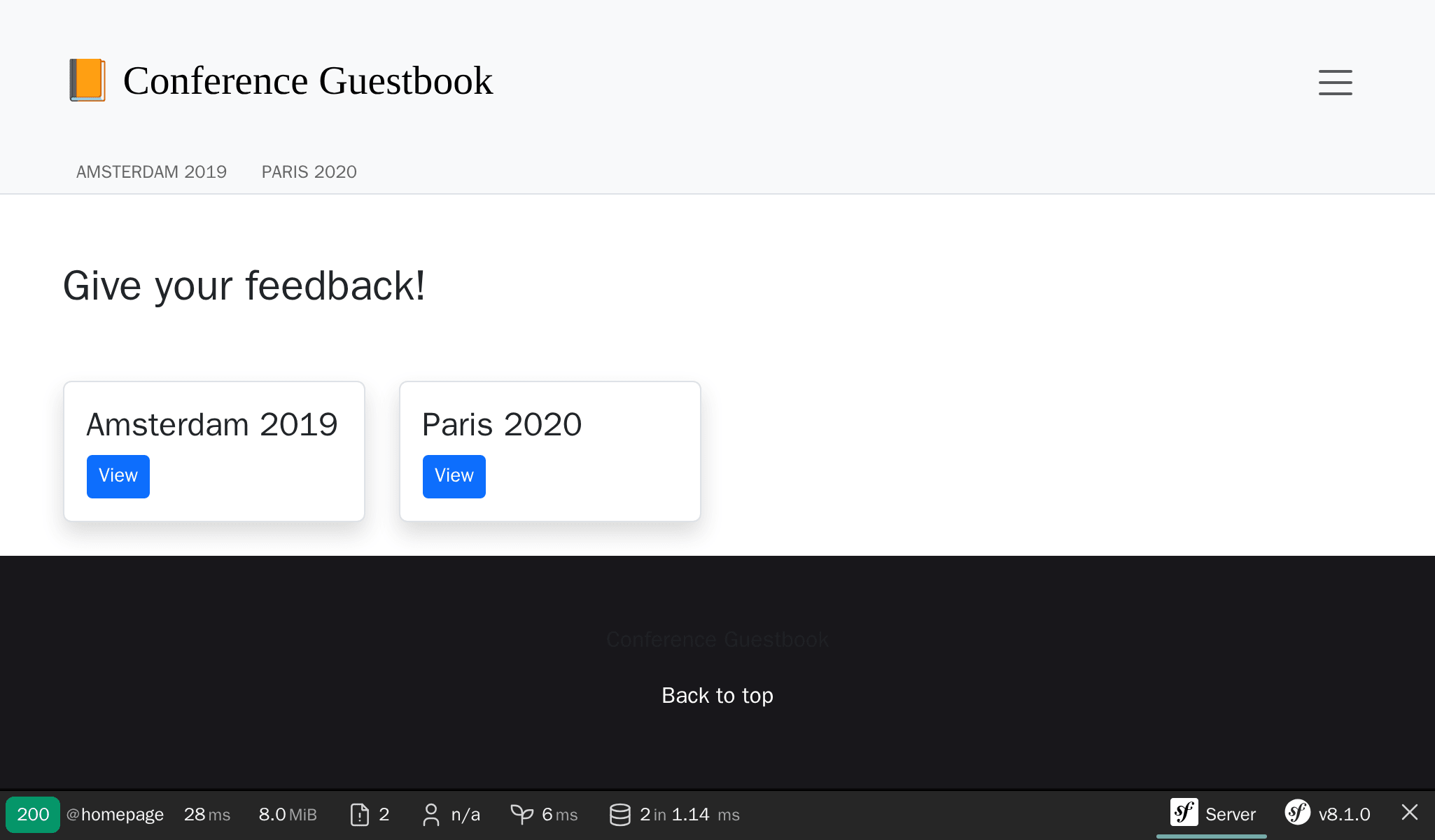
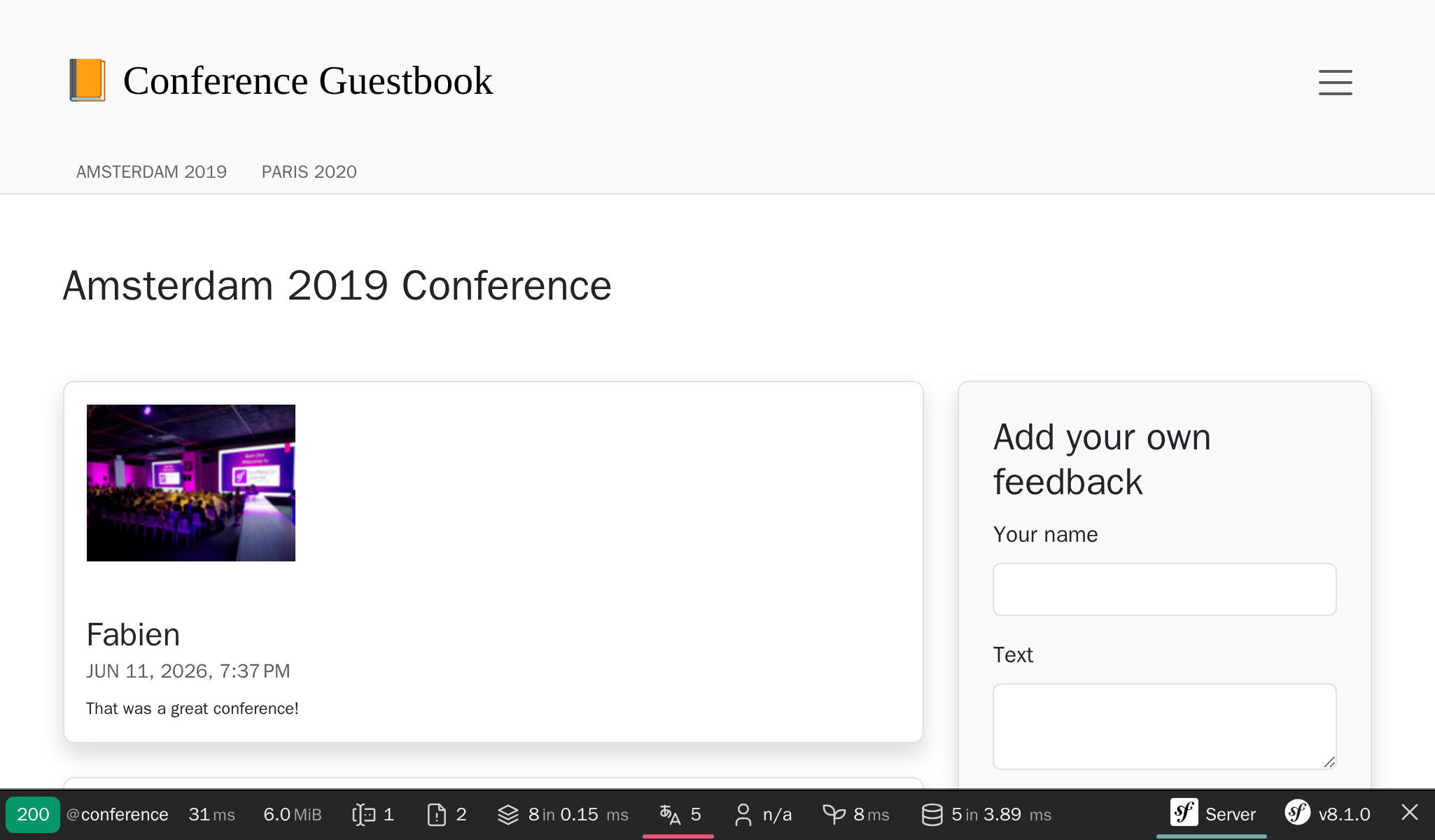
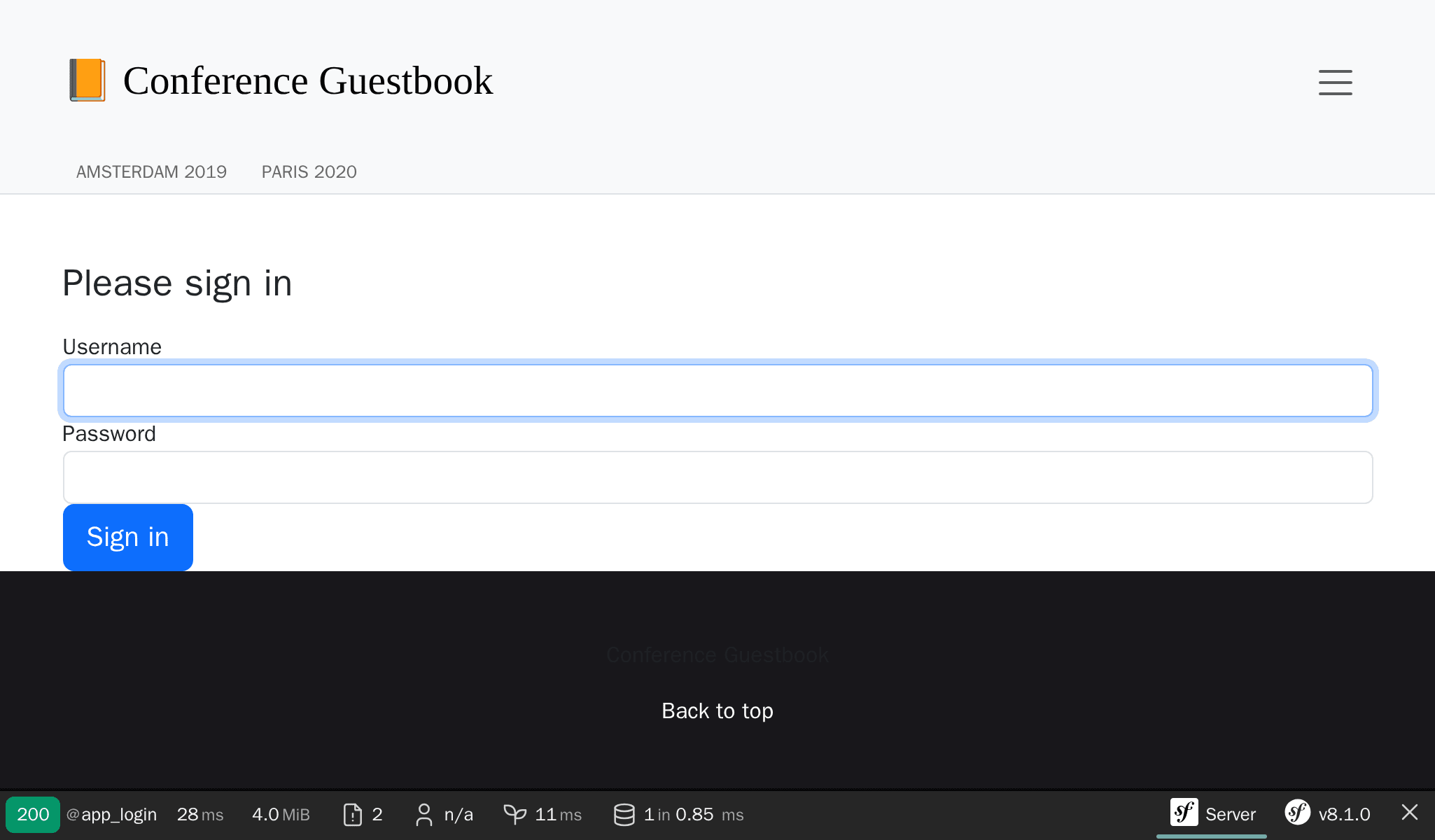
The generated login form is now styled as well as the Maker bundle uses Bootstrap CSS classes by default:
For production, Upsun automatically runs the asset-map:compile command during the build phase: all assets are copied to public/assets/ with a version hash in their file names, enabling safe, long-term HTTP caching.