Using RabbitMQ as a Message Broker
RabbitMQ is a very popular message broker that you can use as an alternative to PostgreSQL.
Switching from PostgreSQL to RabbitMQ
To use RabbitMQ instead of PostgreSQL as a message broker:
1
2
3
4
5
6
7
8
9
10
11
--- i/config/packages/messenger.yaml
+++ w/config/packages/messenger.yaml
@@ -5,7 +5,7 @@ framework:
         transports:
             # https://symfony.com/doc/current/messenger.html#transport-configuration
             async:
-                dsn: '%env(MESSENGER_TRANSPORT_DSN)%'
+                dsn: '%env(RABBITMQ_URL)%'
                 retry_strategy:
                     max_retries: 3
                     multiplier: 2
We also need to add RabbitMQ support for Messenger:
1
$ symfony composer req amqp-messengerAdding RabbitMQ to the Docker Stack
As you might have guessed, we also need to add RabbitMQ to the Docker Compose stack:
1
2
3
4
5
6
7
8
9
10
11
12
13
--- i/compose.yaml
+++ w/compose.yaml
@@ -18,6 +18,10 @@ services:
     image: redis:8.0-alpine
     ports: [6379]

+  rabbitmq:
+    image: rabbitmq:4.2-management
+    ports: [5672, 15672]
+
 volumes:
 ###> doctrine/doctrine-bundle ###
   database_data:
Restarting Docker Services
To force Docker Compose to take the RabbitMQ container into account, stop the containers and restart them:
1
2
$ docker compose stop
$ docker compose up -d --remove-orphansExploring the RabbitMQ Web Management Interface
If you want to see queues and messages flowing through RabbitMQ, open its web management interface:
1
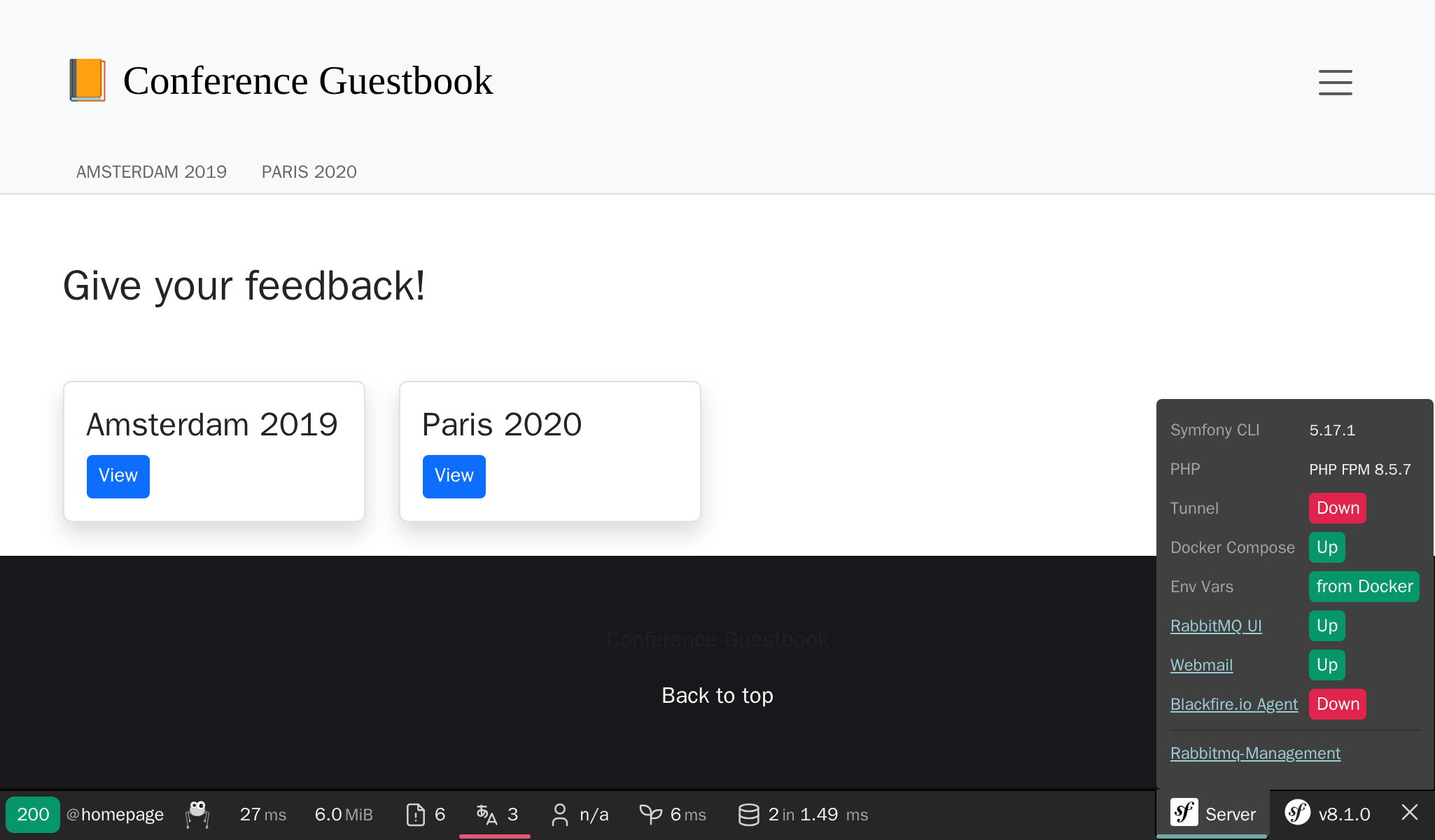
$ symfony open:local:rabbitmqOr from the web debug toolbar:
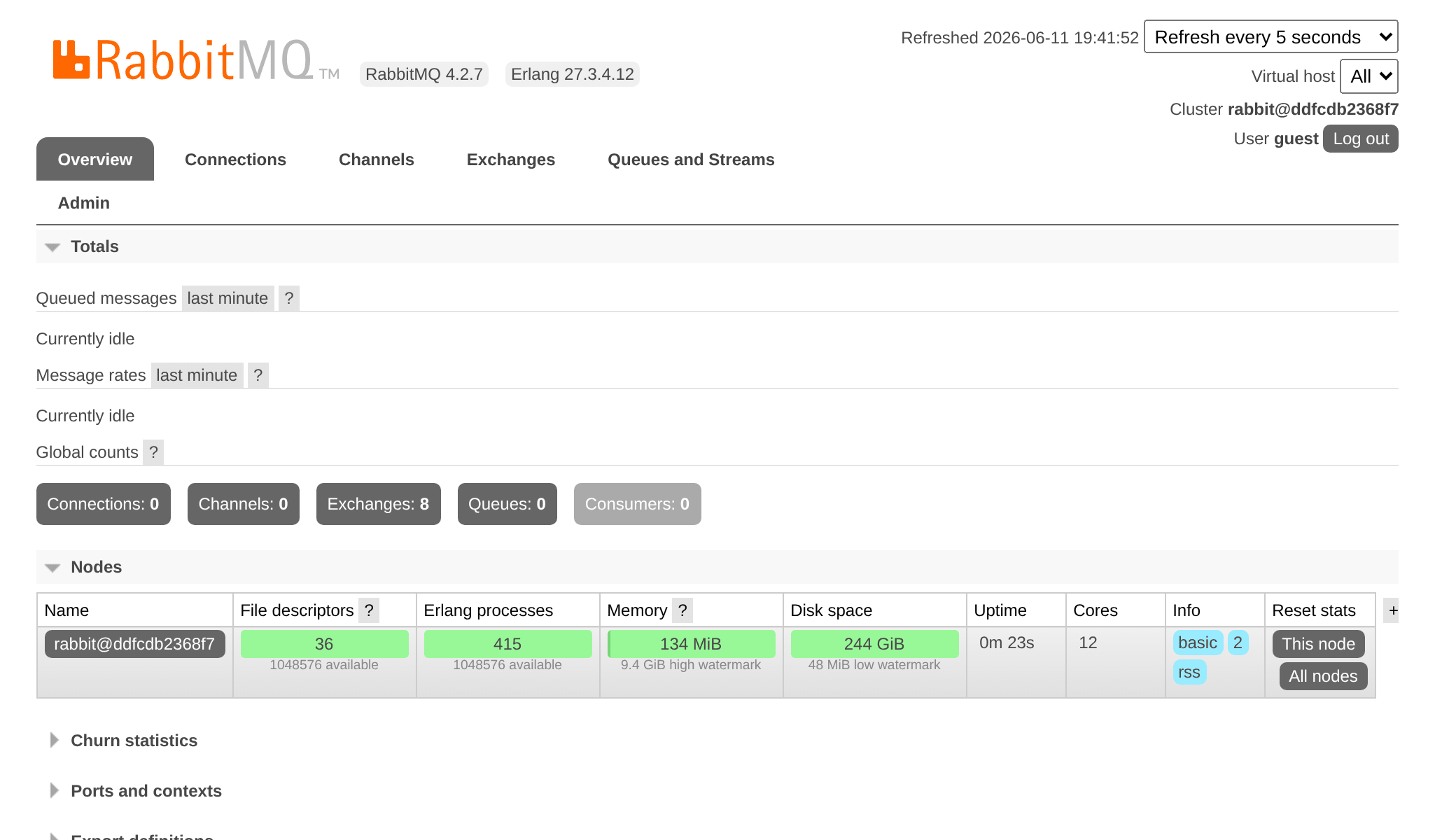
Use guest/guest to login to the RabbitMQ management UI:
Deploying RabbitMQ
Adding RabbitMQ to the production servers can be done by adding it to the list of services:
1
2
3
4
5
6
7
8
9
10
11
--- i/.upsun/config.yaml
+++ w/.upsun/config.yaml
@@ -25,4 +25,8 @@ services:
         rediscache:
             type: redis:8.0

+    queue:
+        type: rabbitmq:4.2
+        size: S
+
 applications:
Reference it in the web container configuration as well and enable the amqp PHP extension:
1
2
3
4
5
6
7
8
9
10
11
12
13
14
15
16
17
18
--- i/.upsun/config.yaml
+++ w/.upsun/config.yaml
@@ -39,6 +39,7 @@ applications:

         runtime:
             extensions:
+                - amqp
                 - apcu
                 - blackfire
                 - ctype
@@ -72,5 +73,6 @@ applications:
         relationships:
             database: "database:postgresql"
             redis: "rediscache:redis"
+            rabbitmq: "queue:rabbitmq"

         hooks:
             build: |
When the RabbitMQ service is installed on a project, you can access its web management interface by opening the tunnel first:
1
2
3
4
5
$ symfony cloud:tunnel:open
$ symfony open:remote:rabbitmq

# when done
$ symfony cloud:tunnel:close