Usare RabbitMQ come Message Broker
RabbitMQ è un message broker molto popolare che può essere utilizzato come alternativa a PostgreSQL.
Passare da PostgreSQL a RabbitMQ
Per utilizzare RabbitMQ al posto di PostgreSQL come message broker:
1
2
3
4
5
6
7
8
9
10
11
--- i/config/packages/messenger.yaml
+++ w/config/packages/messenger.yaml
@@ -5,7 +5,7 @@ framework:
         transports:
             # https://symfony.com/doc/current/messenger.html#transport-configuration
             async:
-                dsn: '%env(MESSENGER_TRANSPORT_DSN)%'
+                dsn: '%env(RABBITMQ_URL)%'
                 retry_strategy:
                     max_retries: 3
                     multiplier: 2
Abbiamo anche bisogno di aggiungere il supporto RabbitMQ per Messenger:
1
$ symfony composer req amqp-messengerAggiungere RabbitMQ allo stack Docker
Come potreste aver intuito, abbiamo bisogno di aggiungere RabbitMQ allo stack di Docker Compose:
1
2
3
4
5
6
7
8
9
10
11
12
13
--- i/compose.yaml
+++ w/compose.yaml
@@ -18,6 +18,10 @@ services:
     image: redis:8.0-alpine
     ports: [6379]

+  rabbitmq:
+    image: rabbitmq:4.2-management
+    ports: [5672, 15672]
+
 volumes:
 ###> doctrine/doctrine-bundle ###
   database_data:
Riavviare i servizi Docker
Per forzare Docker Compose a prendere in considerazione il container RabbitMQ, fermare i container e riavviarli:
1
2
$ docker compose stop
$ docker compose up -d --remove-orphansEsplorare l'interfaccia web di gestione di RabbitMQ
Se volete vedere le code e i messaggi che transitano attraverso RabbitMQ, aprite l'interfaccia web di gestione:
1
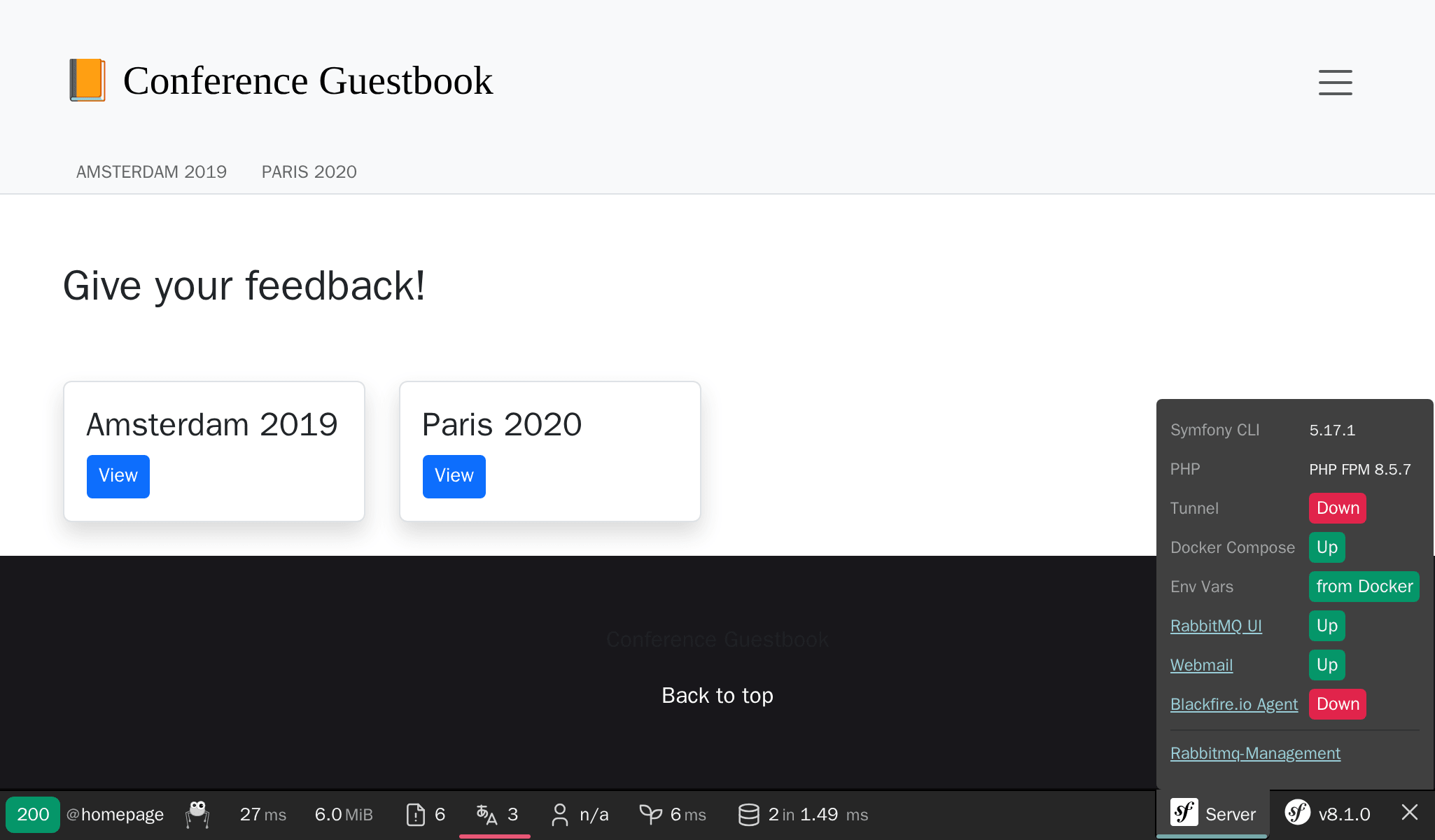
$ symfony open:local:rabbitmqO dalla barra di debug:
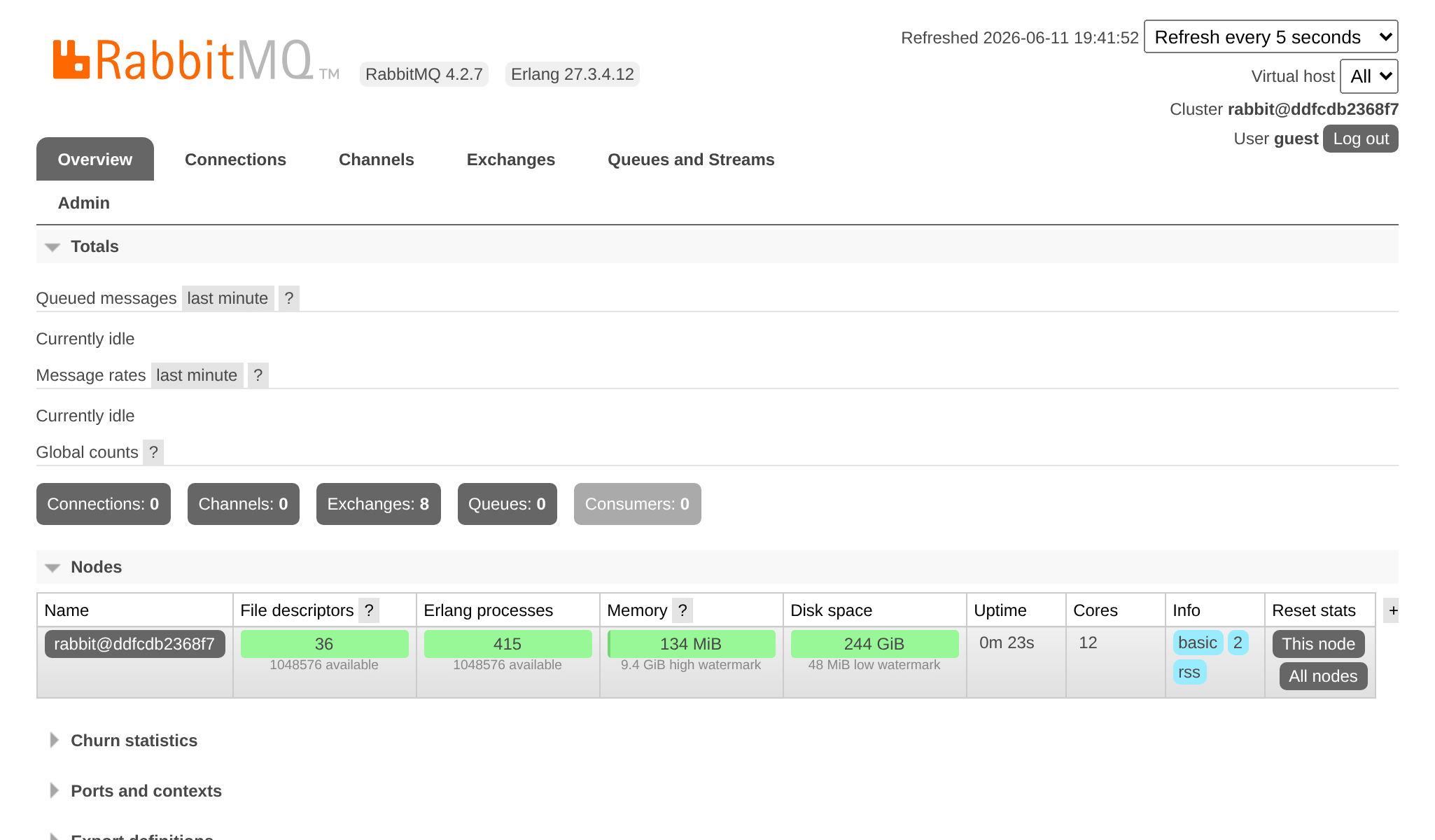
Inserire guest/guest come username e password, per accedere alla UI di gestione di RabbitMQ:
Distribuire RabbitMQ
Aggiungere RabbitMQ ai server di produzione può essere fatto aggiungendolo alla lista dei servizi:
1
2
3
4
5
6
7
8
9
10
11
--- i/.upsun/config.yaml
+++ w/.upsun/config.yaml
@@ -25,4 +25,8 @@ services:
         rediscache:
             type: redis:8.0

+    queue:
+        type: rabbitmq:4.2
+        size: S
+
 applications:
Fare riferimento ad esso anche nella configurazione del container web, ed abilitare l'estensione PHP amqp:
1
2
3
4
5
6
7
8
9
10
11
12
13
14
15
16
17
18
--- i/.upsun/config.yaml
+++ w/.upsun/config.yaml
@@ -39,6 +39,7 @@ applications:

         runtime:
             extensions:
+                - amqp
                 - apcu
                 - blackfire
                 - ctype
@@ -72,5 +73,6 @@ applications:
         relationships:
             database: "database:postgresql"
             redis: "rediscache:redis"
+            rabbitmq: "queue:rabbitmq"

         hooks:
             build: |
Quando il servizio RabbitMQ è installato su di un progetto, potete accedere alla sua interfaccia di gestione web aprendo un tunnel:
1
2
3
4
5
$ symfony cloud:tunnel:open
$ symfony open:remote:rabbitmq

# when done
$ symfony cloud:tunnel:close